Why your MacBook desktop Spaces keep rearranging themselves and how to stop it
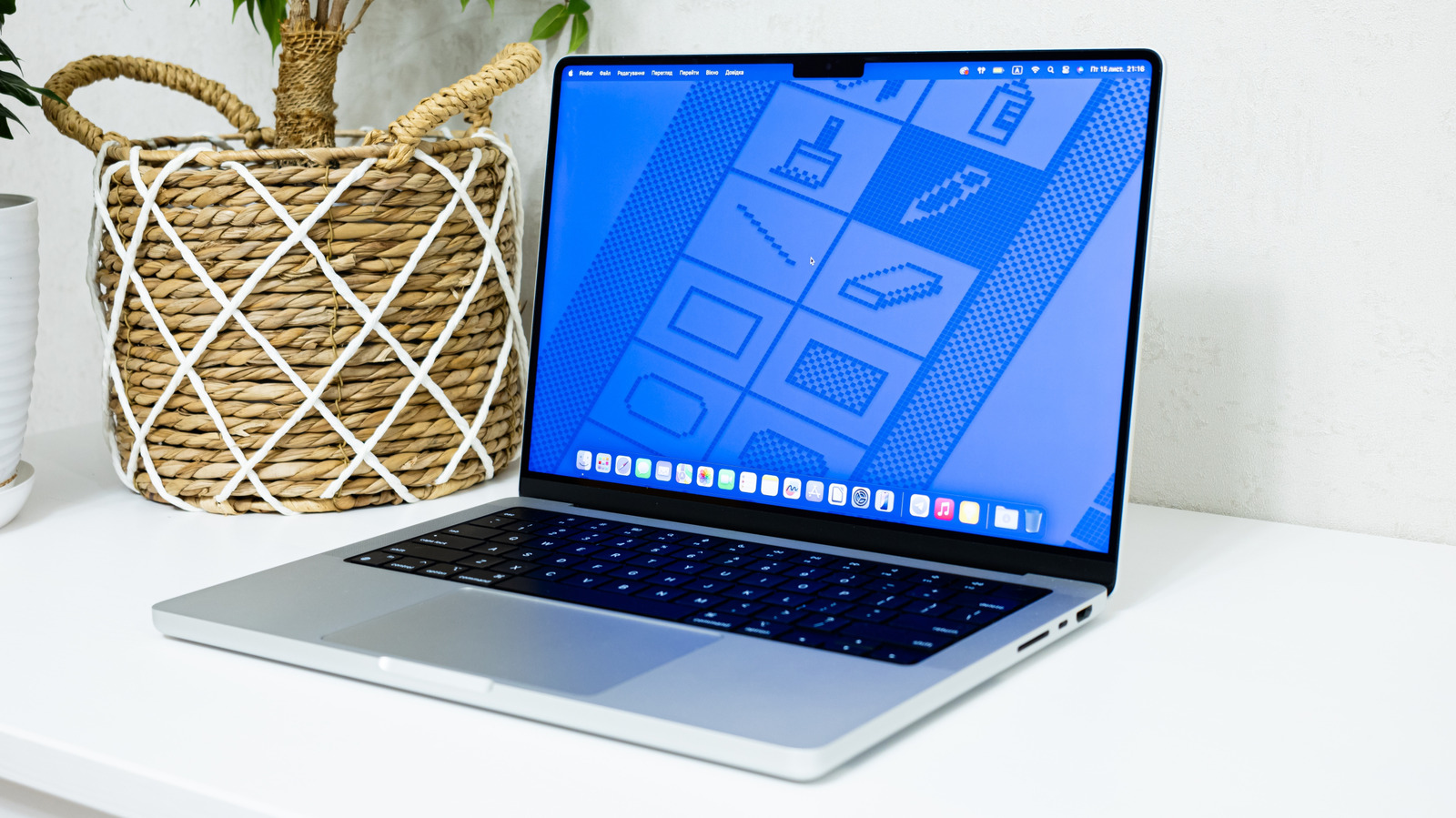
Disable a Mission Control-specific setting to keep Spaces from switching.
This is a brief. The reporting belongs to Engadget — read the complete story, with full context and credits, at the source.
Read the full story at Engadget ↗engadget.com
More from the Tech desk
Just in
Tidal will start banning AI-generated music next month
Just in
Nvidia shares slide as Trump's role in Jensen Huang's comeback questioned by US politicians
Just in
Meta is bringing Muse to Instagram
Just in