The overlooked Samsung One UI setting that cleans up your screenshots
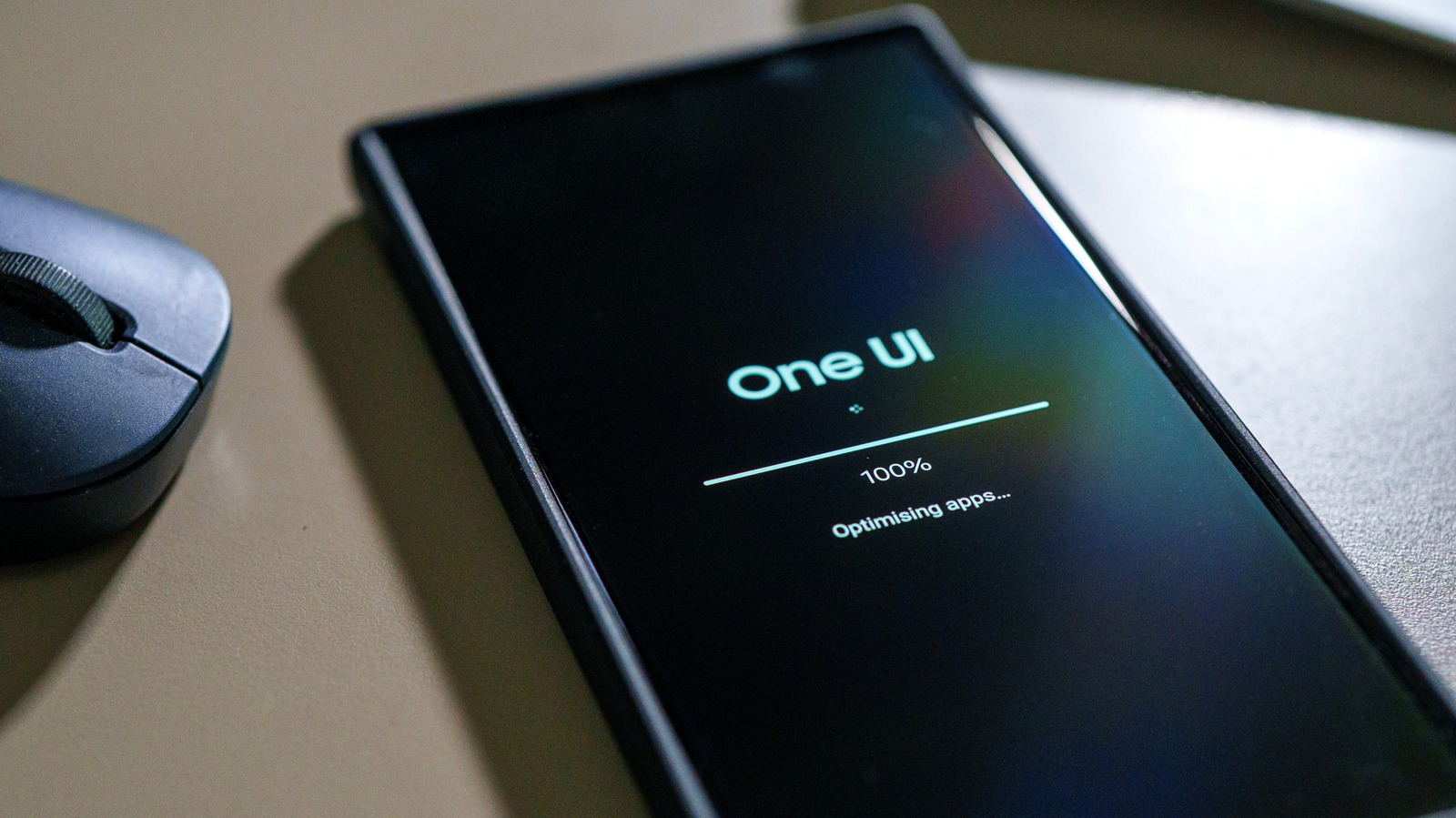
Learn how to hide the status and navigation bars in One UI screenshots on your Samsung Galaxy phone for cleaner images without manually cropping.
This is a brief. The reporting belongs to Engadget — read the complete story, with full context and credits, at the source.
Read the full story at Engadget ↗engadget.com
More from the Tech desk
Just in
Cyber Monday Deals, Curated Live By Our Experts (2026)
Just in
The Shokz OpenRun Pro 2 are nearly $60 off ahead of Cyber Monday
Just in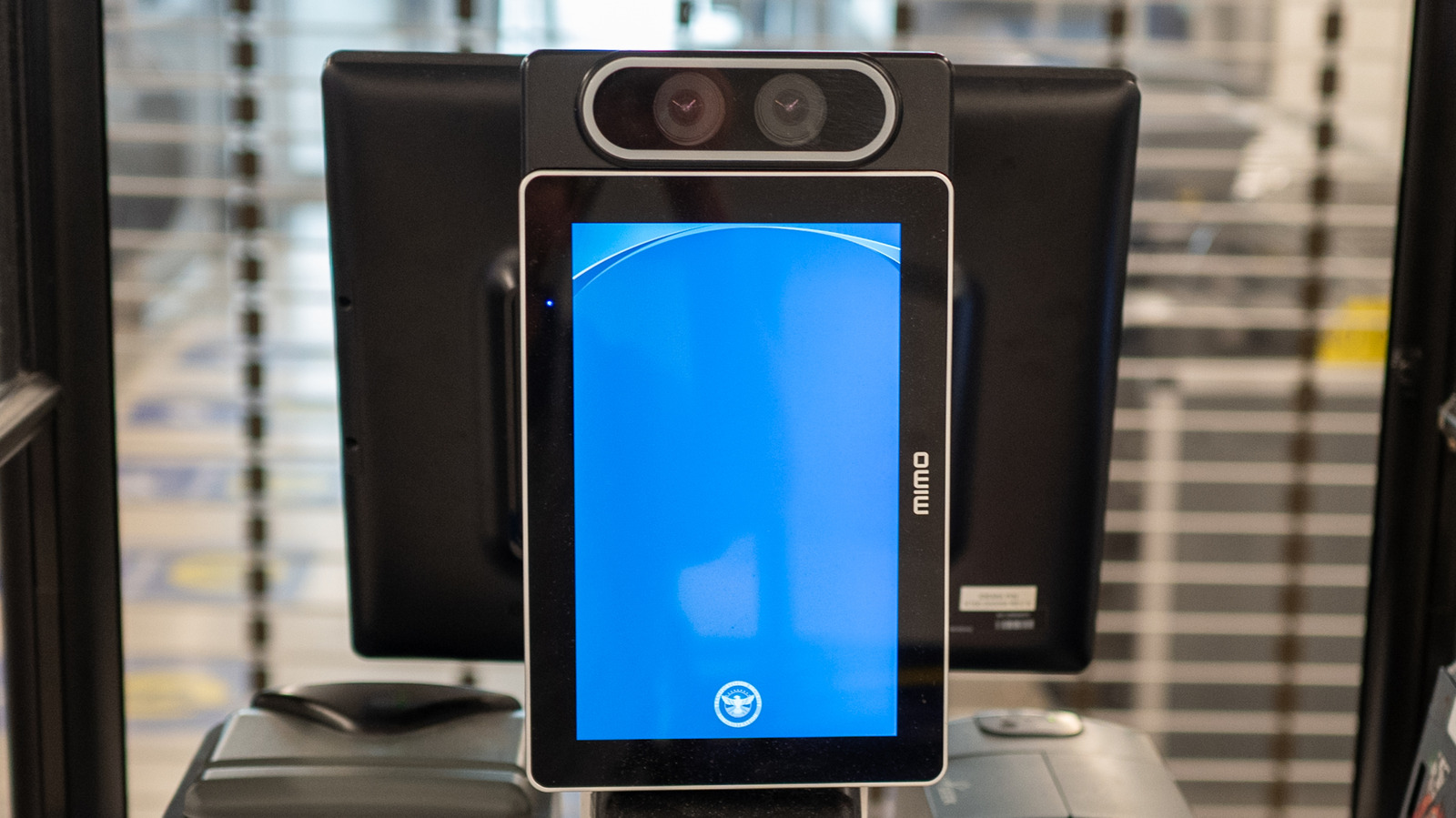
You don't have to let TSA scan your face — here's what happens if you refuse
Just in
Ricketts says Huang has ‘no credibility’, Nvidia rehire ‘doesn’t absolve’ him
Just in
Himes questions whether Trump’s Nvidia holdings played a role in Huang’s return
Just in