How to tell if a USB-C port is damaged
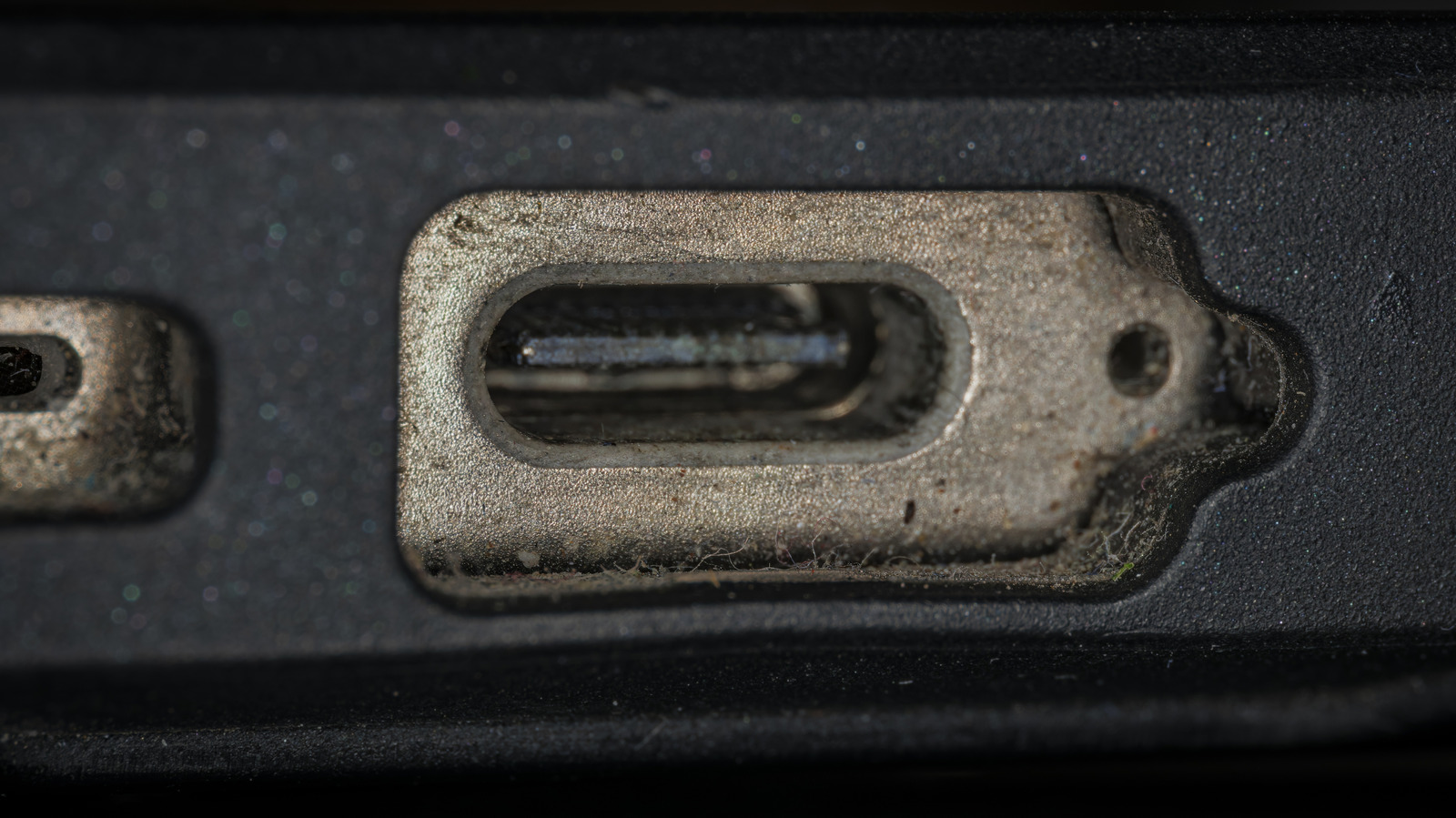
Learn how to tell if your USB-C port is damaged, spot common warning signs and rule out cables and debris as the cause of charging and connection issues.
This is a brief. The reporting belongs to Engadget — read the complete story, with full context and credits, at the source.
Read the full story at Engadget ↗engadget.com
More from the Tech desk
Just in
Young people choose trade, healthcare jobs in age of AI
Just in
Khanna denies knowing Huang allegations before selling Nvidia stock
Just in
Samsung will reportedly reveal its first humanoid robot at CES
Just in